Trend & Buyer Research
Research patterns, colours, techniques and market directions before designing.
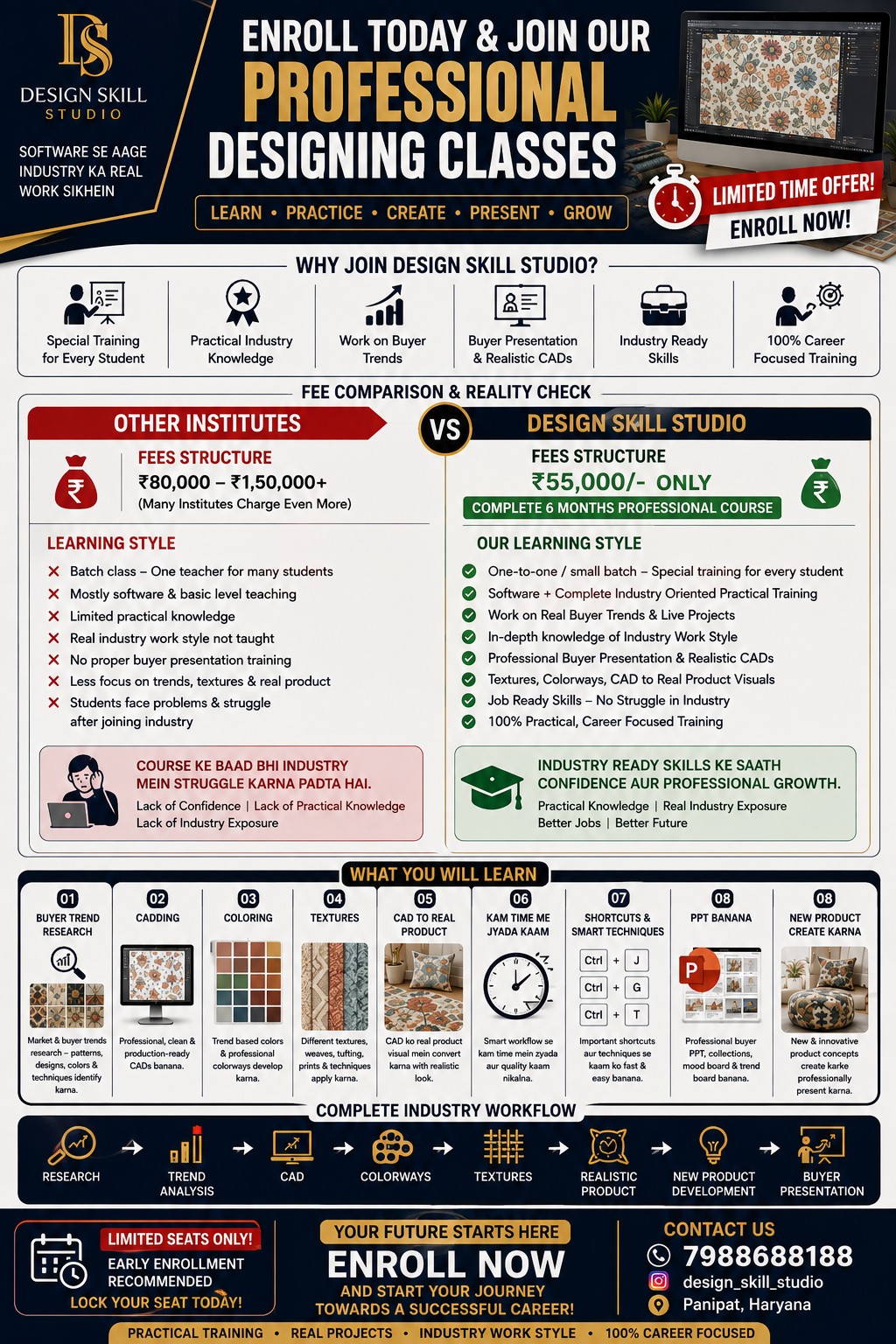
Practical, industry-focused training from trend research and concept development to CAD, colouring, patterns and portfolio presentation.
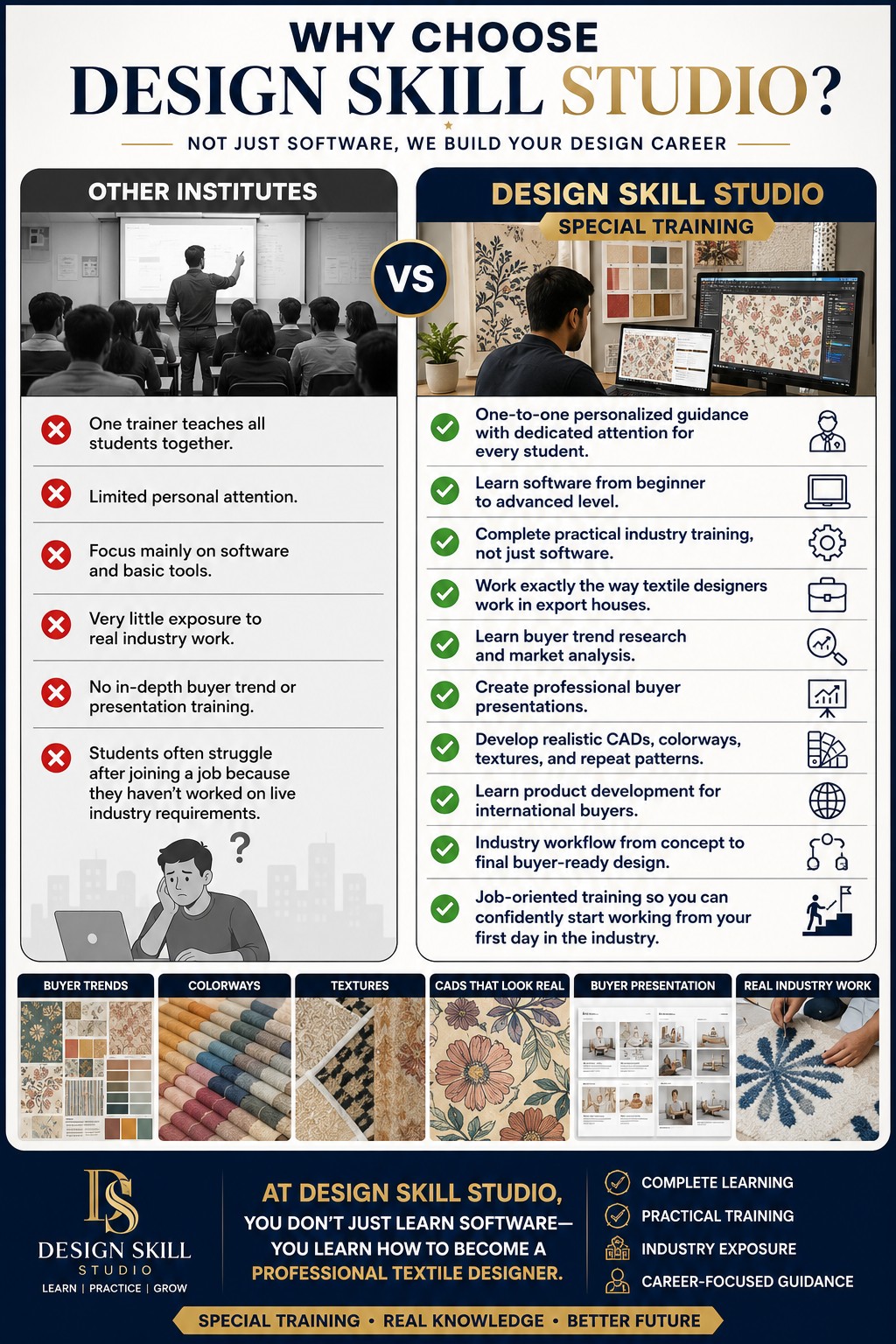
At Design Skill Studio, learning goes beyond software commands. Learn how to research trends, understand colours and techniques, develop concepts and turn ideas into presentable design work.
Our approach is built around practical confidence, industry-style workflow and portfolio development.
Connect research, creativity and professional presentation step by step.
Research patterns, colours, techniques and market directions before designing.
Turn references and ideas into clear, original design directions.
Develop digital artwork with a structured professional workflow.
Build colour sense and present design work with clarity and impact.
Explore pattern development and practical design techniques.
Organise your strongest work into a portfolio that tells your design story.
Based directly on the Design Skill Studio course workflow: research first, then develop, visualise, present and create.

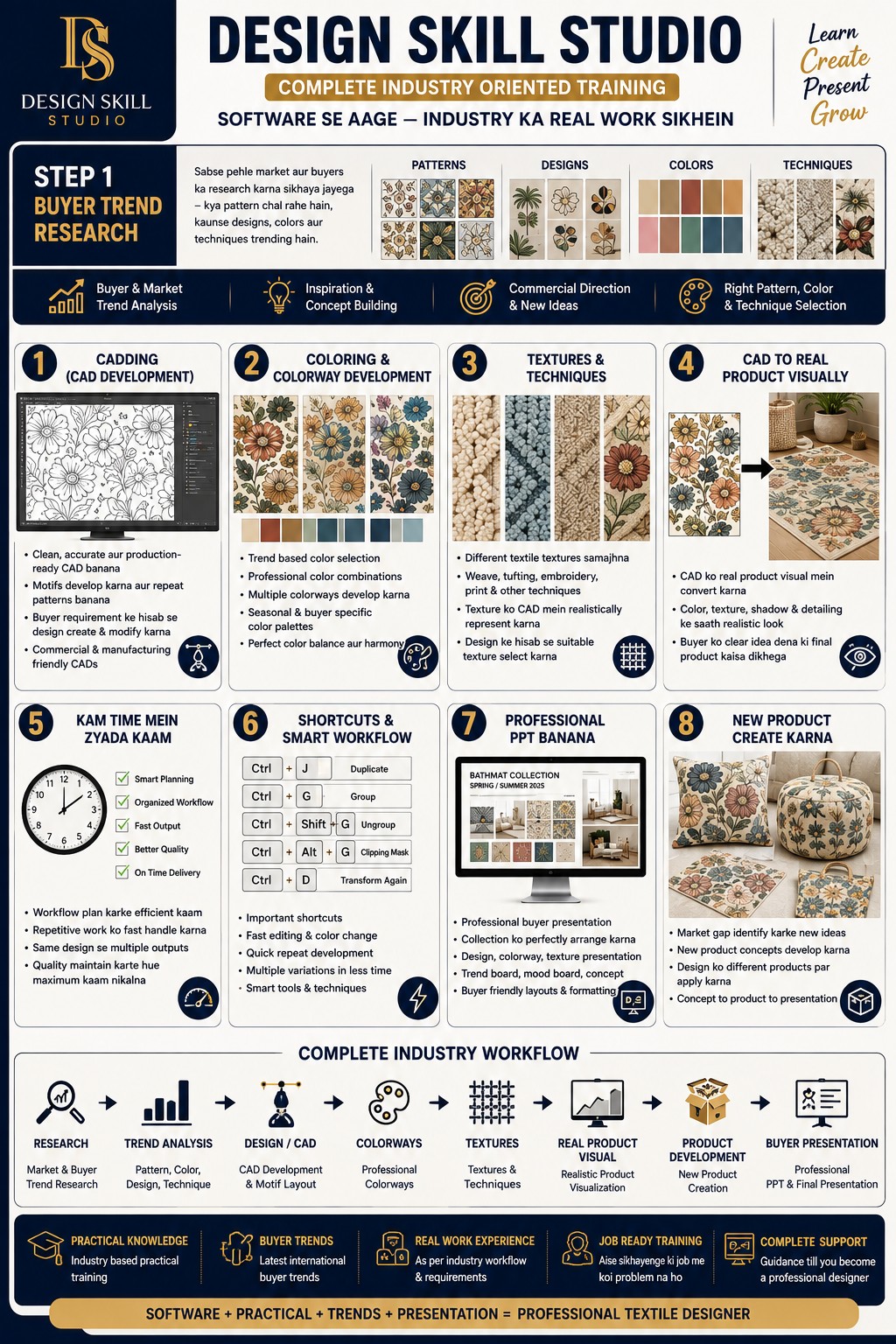
Start by researching the market and buyers before designing. Understand what patterns, designs, colours and techniques are trending, then identify the right direction for the collection.
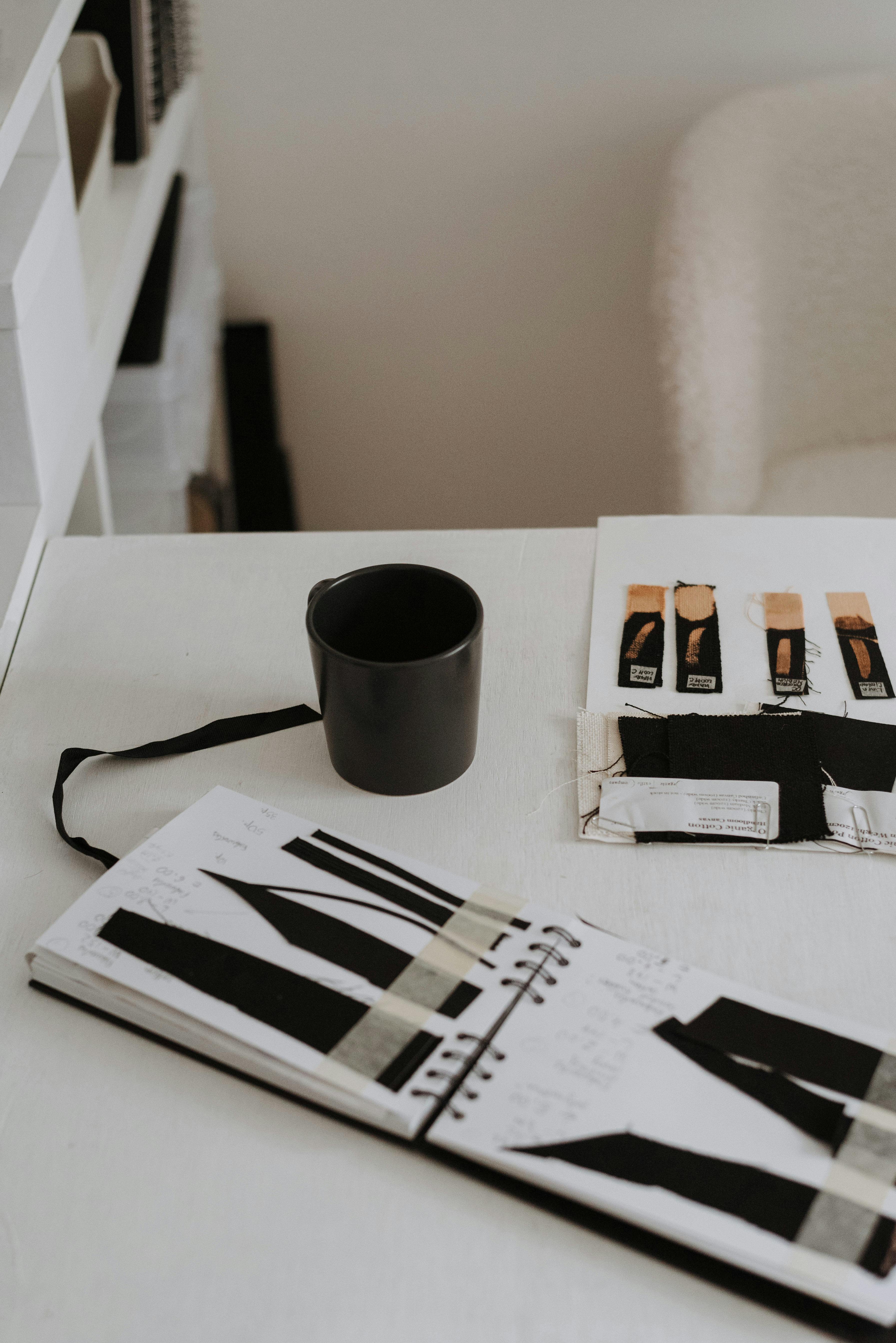
Convert ideas and motifs into clean, accurate digital CADs. Build repeat patterns and develop artwork according to buyer requirements.

Learn how to select trend-based colours and build professional colour combinations that work with the design and buyer direction.

Understand different textile textures and techniques and learn how to represent them realistically in design work.
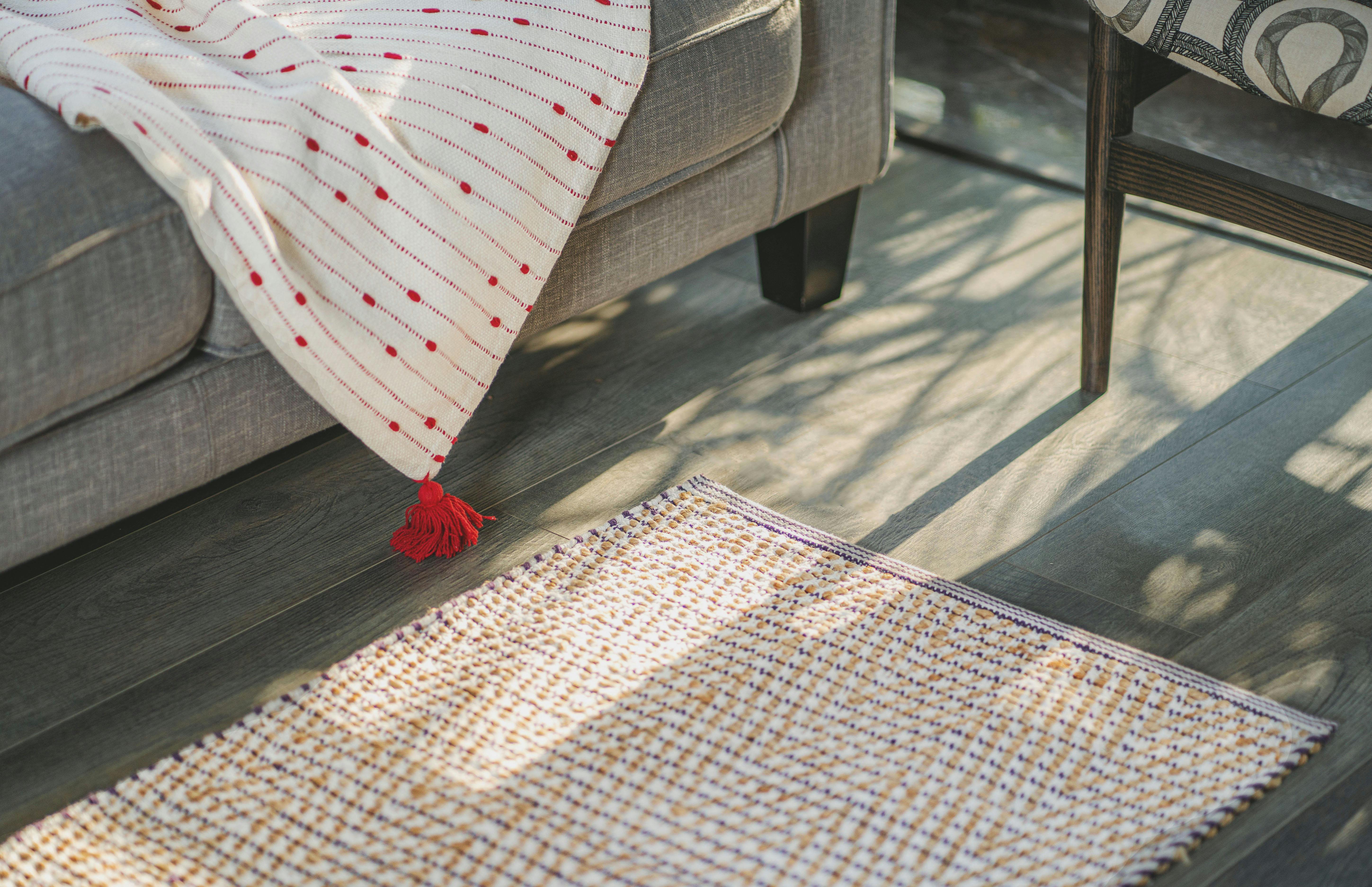
Take the CAD beyond a flat design and convert it into a realistic product visual with colour, texture, shadow and detailing.

Build a smarter workflow so repetitive tasks become faster while maintaining quality and consistency.
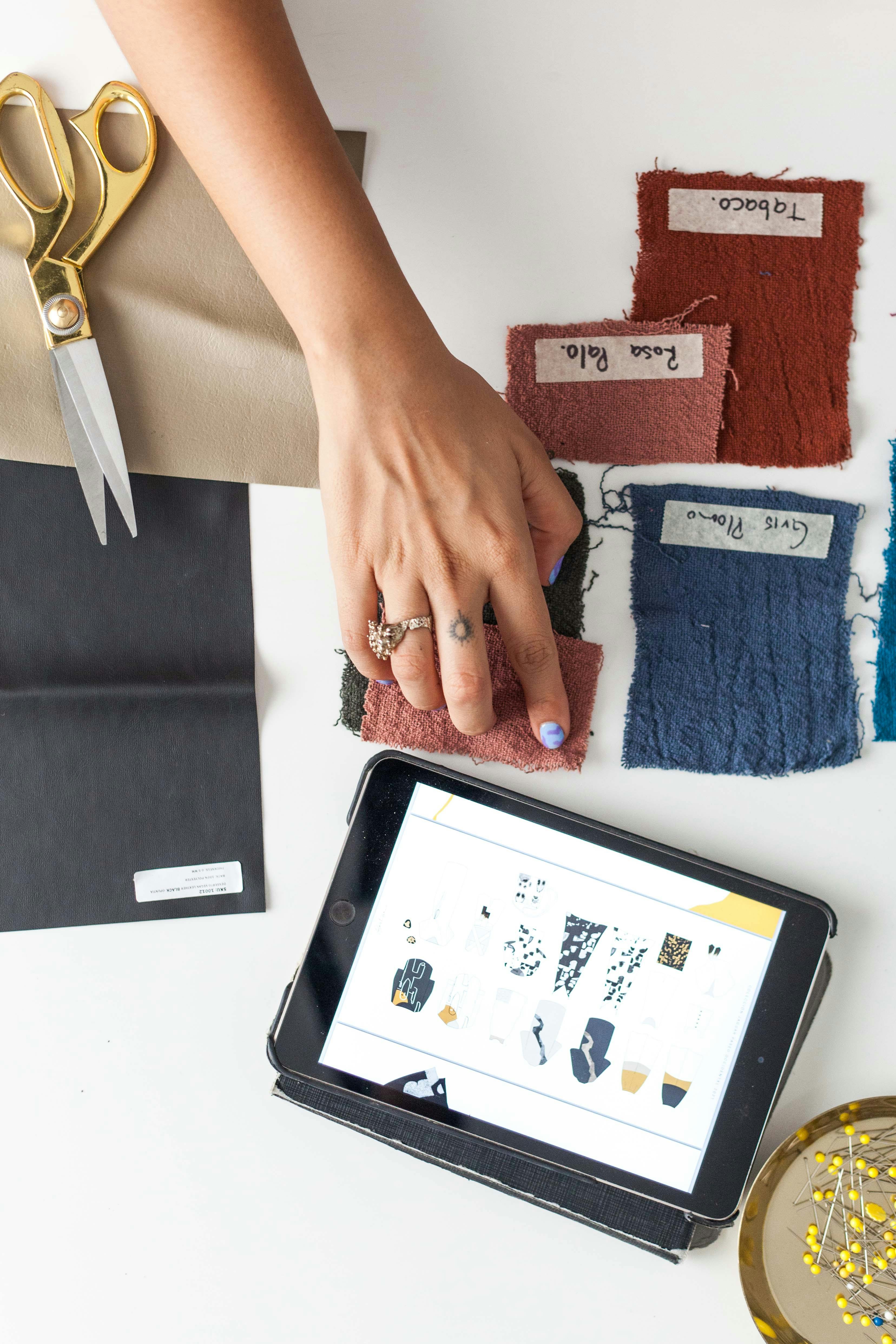
Learn important shortcuts and smart techniques that reduce unnecessary steps and make daily design work faster.

Prepare professional buyer presentations that organise the collection, colourways, mood boards, concepts and final visuals clearly.
Use market gaps and research to develop new product concepts and present them professionally from concept to final presentation.
Videos and visual work from Design Skill Studio.
Find trends, references, colours and techniques.
Build concepts and explore directions.
Create, colour and refine digital artwork.
Prepare polished work for your portfolio.
Learn how to design and visually communicate different textile techniques for commercial products.
Develop motifs, repeats, placements, colourways and print-ready artwork.
Understand embroidery layouts, motifs, stitch direction and visual detailing.
Explore woven structures, yarn effects, checks, stripes and surface development.
Learn design development for woven jacquard products and buyer requirements.
Create carpet and rug concepts with pile, texture, colour and pattern understanding.
Convert flat CAD into realistic product visuals using texture, lighting and effects.
Start with strong fundamentals or master the complete professional textile design workflow.
Build a strong foundation in textile design, software basics and essential textile knowledge.
Learn the complete professional workflow—from buyer research and CAD development to final presentation.
Contact Design Skill Studio for current batch and admission information.